



























Got it

iLocGo

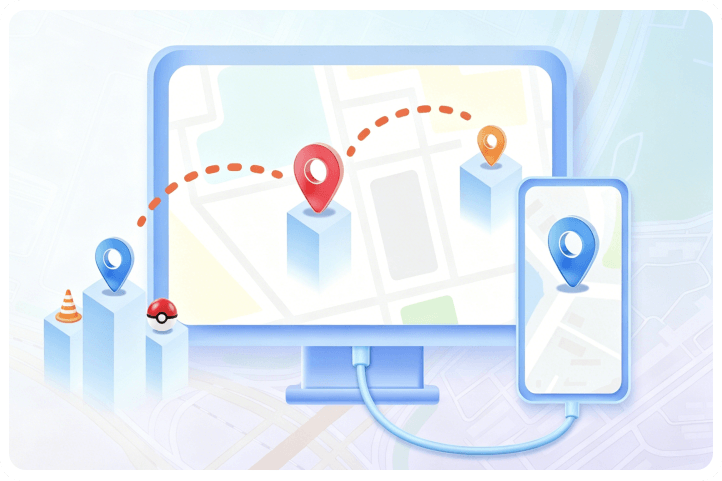
1-Click GPS Location Changer for iPhone & Android

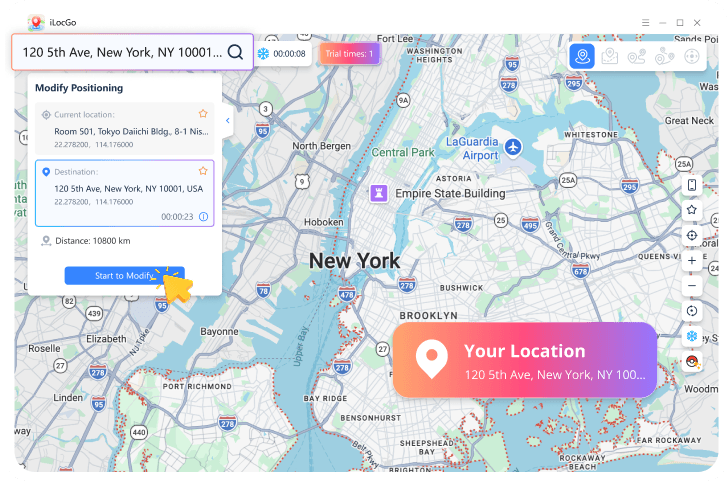
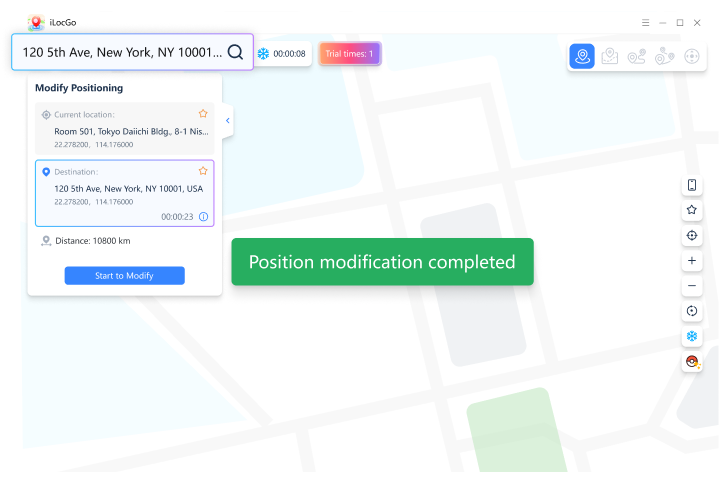
  • tick icon Teleport to any destination worldwide from a Windows PC.
  • tick icon Simulate walking routes with joystick mode and custom paths.
  • tick icon Adjust your location for AR games, social apps, and dating apps.
  • tick icon Keep your real GPS location private when using location-based apps.

Supports iOS 17 & Android 16 | 100% Safe | 30-Day Money-Back

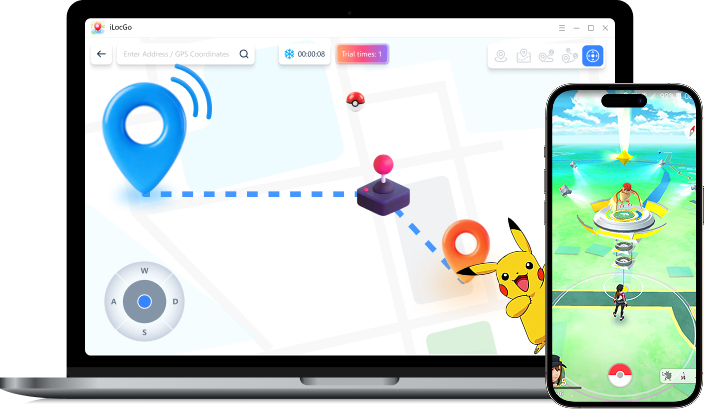
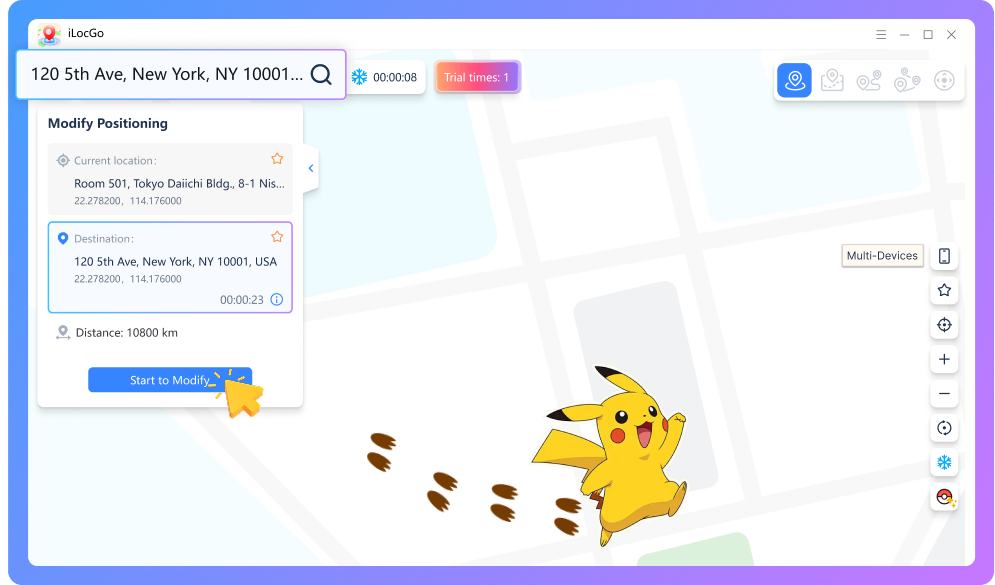
iLocGo product preview

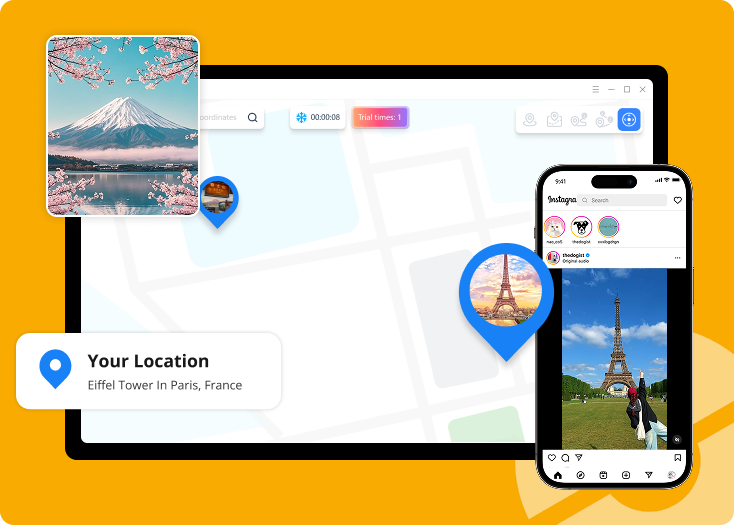
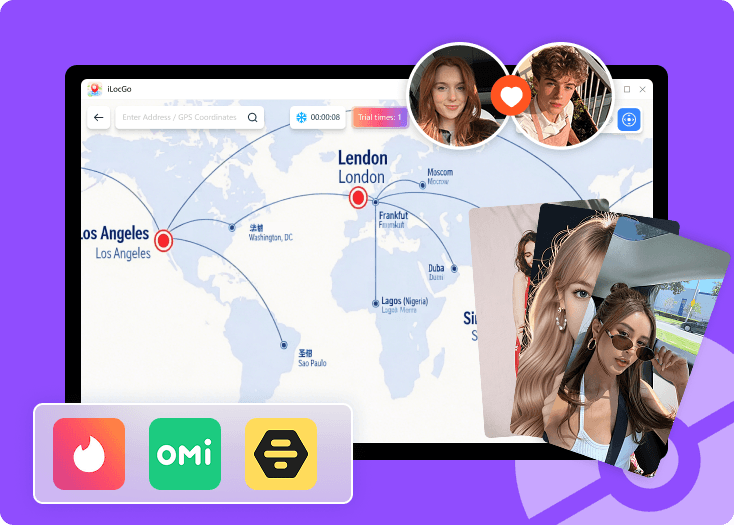
Change GPS Location for Games, Social Apps, and Privacy

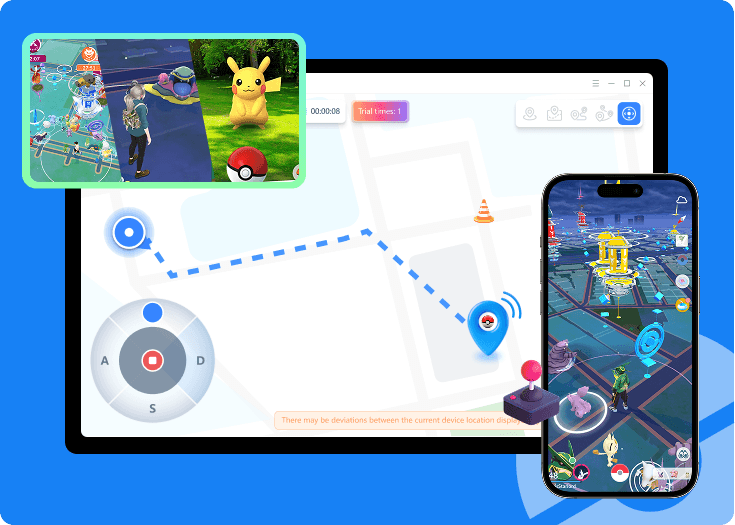
GPS scene preview 1 GPS scene preview 2 GPS scene preview 3 GPS scene preview 4

How to Cleverly Fake Your GPS Location

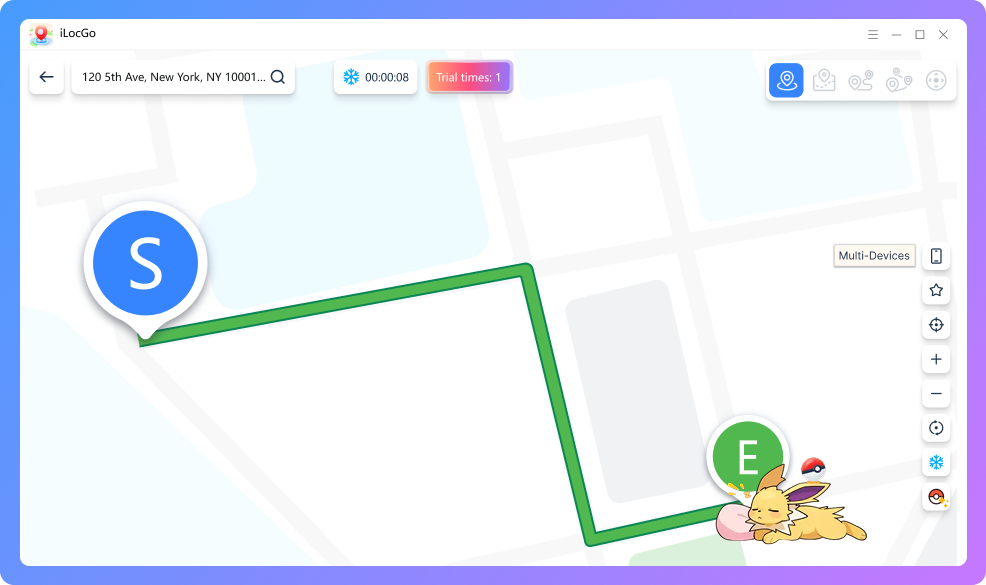
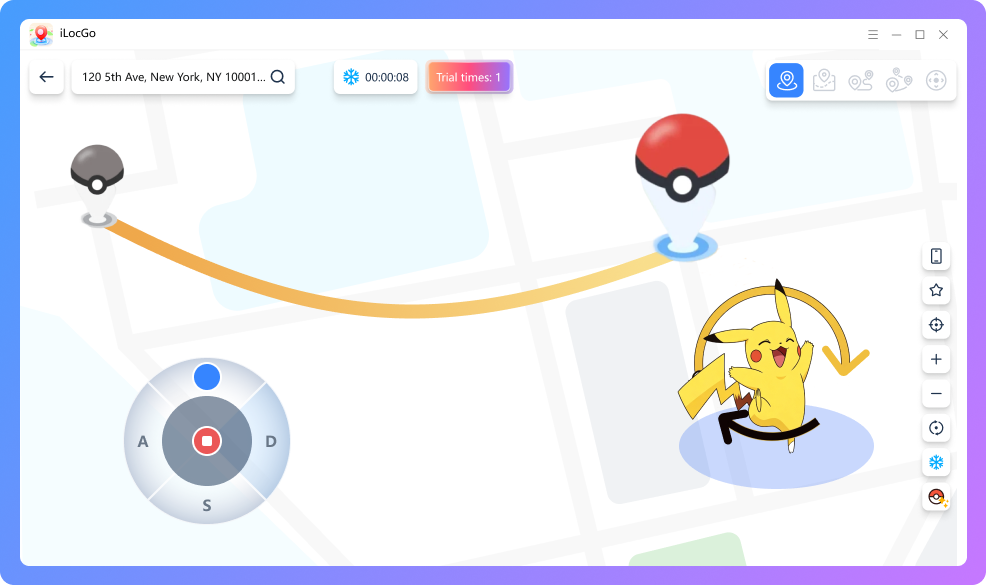
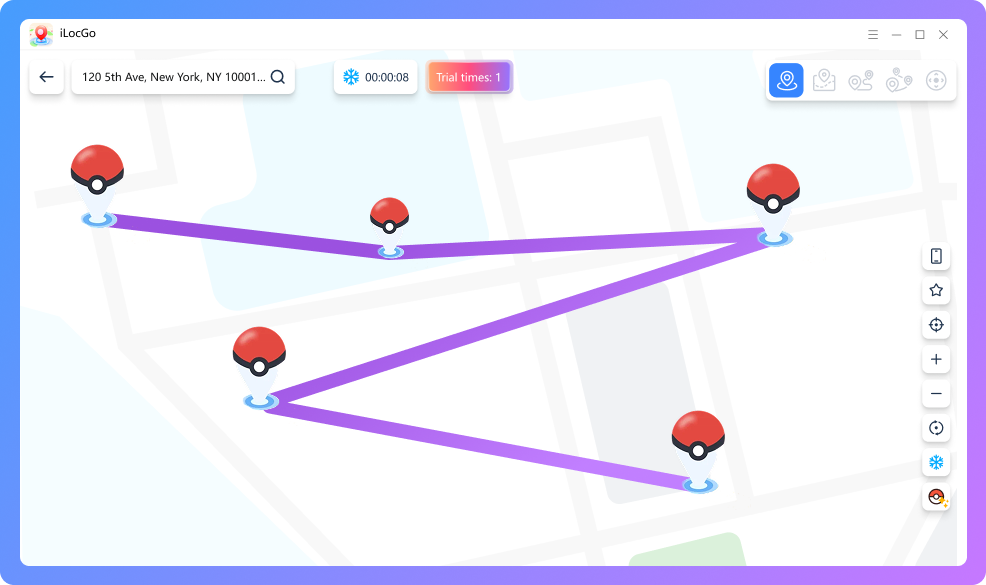
4 powerful movement modes to meet all your gaming and social needs.

GPS mode preview 1 GPS mode preview 2 GPS mode preview 3 GPS mode preview 4

Everything You Need to Control Virtual Location

  • 360° GPS Joystick

    • tick icon Change direction instantly without walking outside
    • tick icon Use the built-in joystick to move freely on the map
    • tick icon Enjoy 360° full-direction control
    • tick icon Simulate natural AR game movement from your PC
  • Smart Cooldown Timer preview
    00:00:06

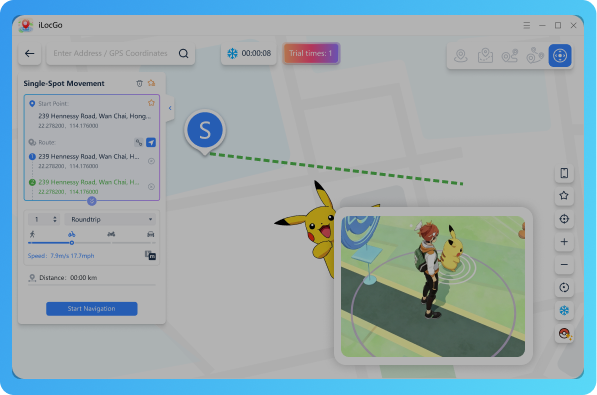
    Smart Cooldown Timer

    • tick icon Reduce unusual GPS movement in location-based games like Pokémon GO
    • tick icon Comes with a built-in Cooldown Timer
    • tick icon Calculate cooldown time after GPS teleporting
    • tick icon Greatly reduce the risk of account detection
  • Custom Route Simulation

    • tick icon Easily plan single-stop or multi-stop GPS routes
    • tick icon Set custom speeds to simulate walking, cycling or driving
    • tick icon Achieve smooth and natural GPS movement.

Change GPS Location on iPhone & Android in 3 Steps

windows icon Free Download
Connect device preview Choose mode preview Start modify preview

Why Users Trust iLocGo GPS Location Changer

  • Mia Martinez avatar
    5 stars rating

    Mia Martinez

    iLocGo is absolutely the best tool for playing AR games from home. The joystick is super smooth, and I haven't received any warnings thanks to the cooldown timer

  • Ethan Caldwell avatar
    5 stars rating

    Ethan Caldwell

    I use it mainly for Tinder. Changing location is instant and works flawlessly on my iPhone 15 without jailbreaking. Highly recommended!

  • Liam Hughes avatar
    5 stars rating

    Liam Hughes

    Very easy to use compared to other spoofers. The interface is clean, and the multi-stop route feature makes hatching eggs effortless

  • Chloe Reynolds avatar
    5 stars rating

    Chloe Reynolds

    I use iLocGo on Snapchat and Instagram. I pretend to be on vacation in Paris or Hawaii while staying home. It updates the system location across all apps right away

  • Alex Thompson avatar
    5 stars rating

    Alex Thompson

    The 1-click jump is excellent. Store coordinates to teleport instantly for game events. Stable connection with Windows PC, no lag at all

  • David Lawson avatar
    5 stars rating

    David Lawson

    uper easy to use on PC! Just plug in the USB and click the map. A quick phone restart safely restores your real GPS. Highly user-friendly

  • 100% Safe icon

    100% Safe

    No Jailbreak/Root needed

  • Privacy First icon

    Privacy First

    No location data uploaded

  • Secure Payment icon

    Secure Payment

    256-bit encryption

  • Guaranteed icon

    Guaranteed

    30-Day Money-Back

Frequently Asked Questions

Do I need to Jailbreak or Root my phone to use iLocGo?

Not at all. iLocGo uses advanced native technology to change your GPS location and simulate GPS movement in one single click. It requires no jailbreak or root, meaning it's 100% safe.

How can I avoid unusual GPS changes in location-based games?

iLocGo has a bulit in cooldown timer that calculates waiting time based on teleport distance. You can also use joystick mode and custom routes to simulate more natural GPS movement in games like Pokémon GO.

Can I get a refund if I am not satisfied?

Absolutely. We offer a 30-day money-back guarantee for all users. If you encounter technical issues we cannot resolve, you will receive a full refund

Ready to Go Anywhere You Want?

Set your destination, pick a movement mode, and start moving naturally on iOS and Android with iLocGo now.